Grab an edge, flip a corner抓住一邊,翻起一角
Any edge lifts and folds. Flip a corner over, pull it back flat — it drops with real weight.哪一邊都能掀起、折起。角翻過去、再拉回來攤平,放手時帶著重量落下。
A soft, heavy rug for the Mac desktop. Lift it, fold it, slide it — and let the cats move in. 一張鋪在 Mac 桌面上的厚地毯。可以掀、可以折、可以拖著走,還有貓住在上面。
What it does有什麼
The rug lies on the desktop, under every window, so it covers the clutter without getting in the way of work. 地毯鋪在桌面那一層、在所有視窗底下:蓋住雜亂,但不擋工作。
Any edge lifts and folds. Flip a corner over, pull it back flat — it drops with real weight.哪一邊都能掀起、折起。角翻過去、再拉回來攤平,放手時帶著重量落下。
The whole rug slides along like a heavy rug over a wooden floor.像厚地毯在木地板上被拉著走,整張跟著滑過去。
Four cats wander, roll over for belly rubs, scratch, and sit to look up at the screen. Pick one up to move it.四隻貓會到處走、翻肚撒嬌、抓癢,還會坐下來抬頭看螢幕。可以把牠拎起來換個地方。
Put the rug away and it folds up neatly. Lay it out again and it unfolds.收起時會整整齊齊折好,再鋪開時一層一層打開。
Icons under the rug push it up. The taller the pile, the bigger the bump.地毯底下的圖示會把它頂起來,疊得越高,凸起越大。
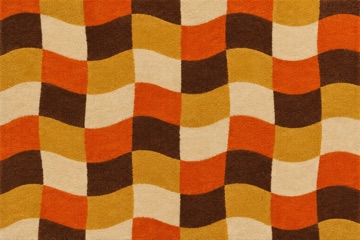
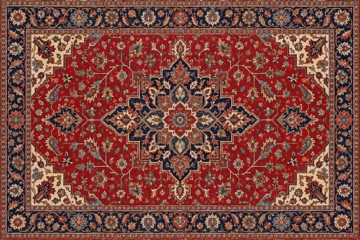
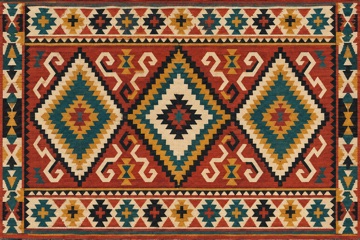
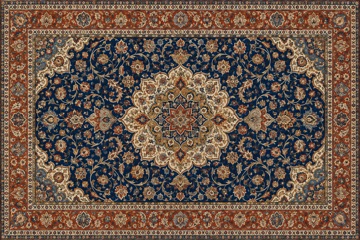
Eight rugs are built in. Any image on the Mac can become a rug too.內建八款地毯,Mac 上的任何一張圖片也能變成地毯。
How to use怎麼玩
Install安裝
Get DesktopRug.dmg. It's free.下載 DesktopRug.dmg,免費。
Open the file and drag Desktop Rug into the Applications folder.打開檔案,把 Desktop Rug 拖進「應用程式」資料夾。
The rug appears on the desktop. Settings live in the menu bar's checkered icon — there is no Dock icon.地毯會出現在桌面上。設定在選單列的格紋圖示裡,Dock 上不會出現。
"Desktop Rug wants to control Finder." macOS asks this on first launch. It is only used to read where the desktop icons are, so the rug can bump up over them. Saying no is fine — the rug just stays flat.「Desktop Rug 想要控制 Finder」:第一次打開時 macOS 會問。這只用來讀取桌面圖示的位置,讓地毯在圖示上隆起。不允許也沒關係,地毯就保持平的。
Icons under the rug can't be clicked. Lift a corner or move the rug to reach them.被地毯蓋住的圖示點不到,掀起一角或把地毯移開就可以。
To uninstall, quit from the menu bar icon and move the app to the Trash.移除:從選單列圖示選「結束」,再把 app 丟進垃圾桶。